Player Tracks
On this page you can manage tracks uploaded to Nadeo services. Those tracks are unable to be deleted.
The Author tab contains all maps created by you. It does not matter who uploads the map to Nadeo services (for example via a club activity).
The Uploads tab contains maps that have been uploaded to Nadeo services by you.
The Favorites tab contains maps that you have marked as favorite either in game or on the map page.
Map review
Map review is split into three categories depending on the gamemode - TOTD Review, Weekly Tracks Review and Royal review.
Putting your map in map review will cause it to appear in the respective review section.
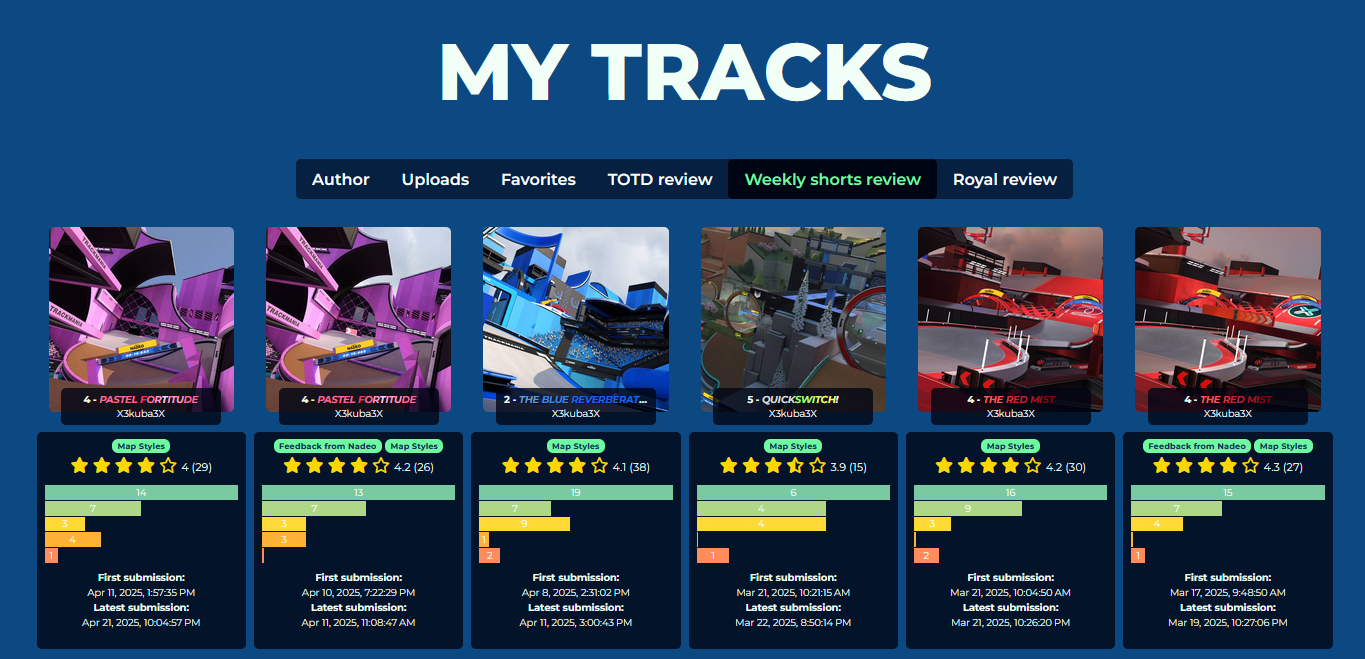
Each track shows a count of all the player votes. Maps that are reviewed by Ubisoft Nadeo or are open for a discussion get a special banner.
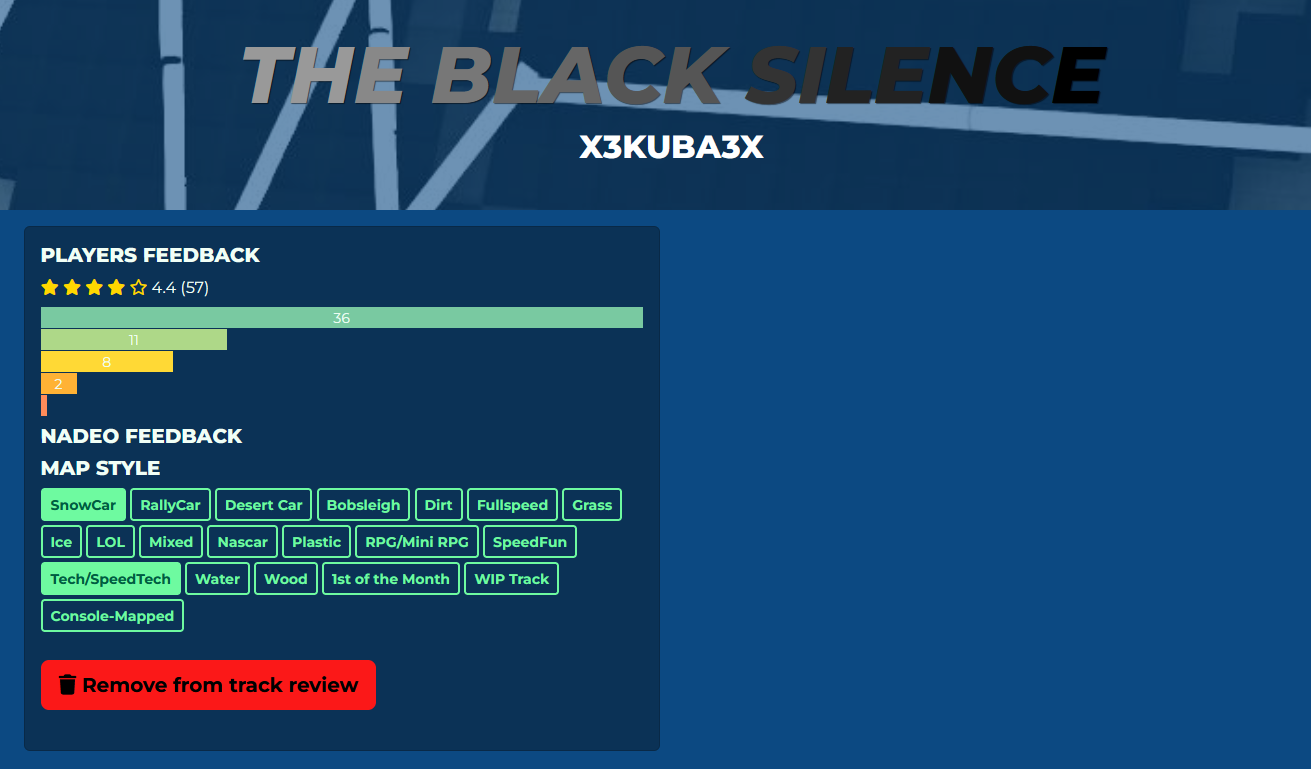
Opening the track page allows you to choose map styles as well as read any Nadeo Feedback labels. (read more here: Weekly Short Labels/Weekly Grand Labels)
On this page you can also remove the track from Map Review - it is recommended to remove old versions if you end up updating your map.